



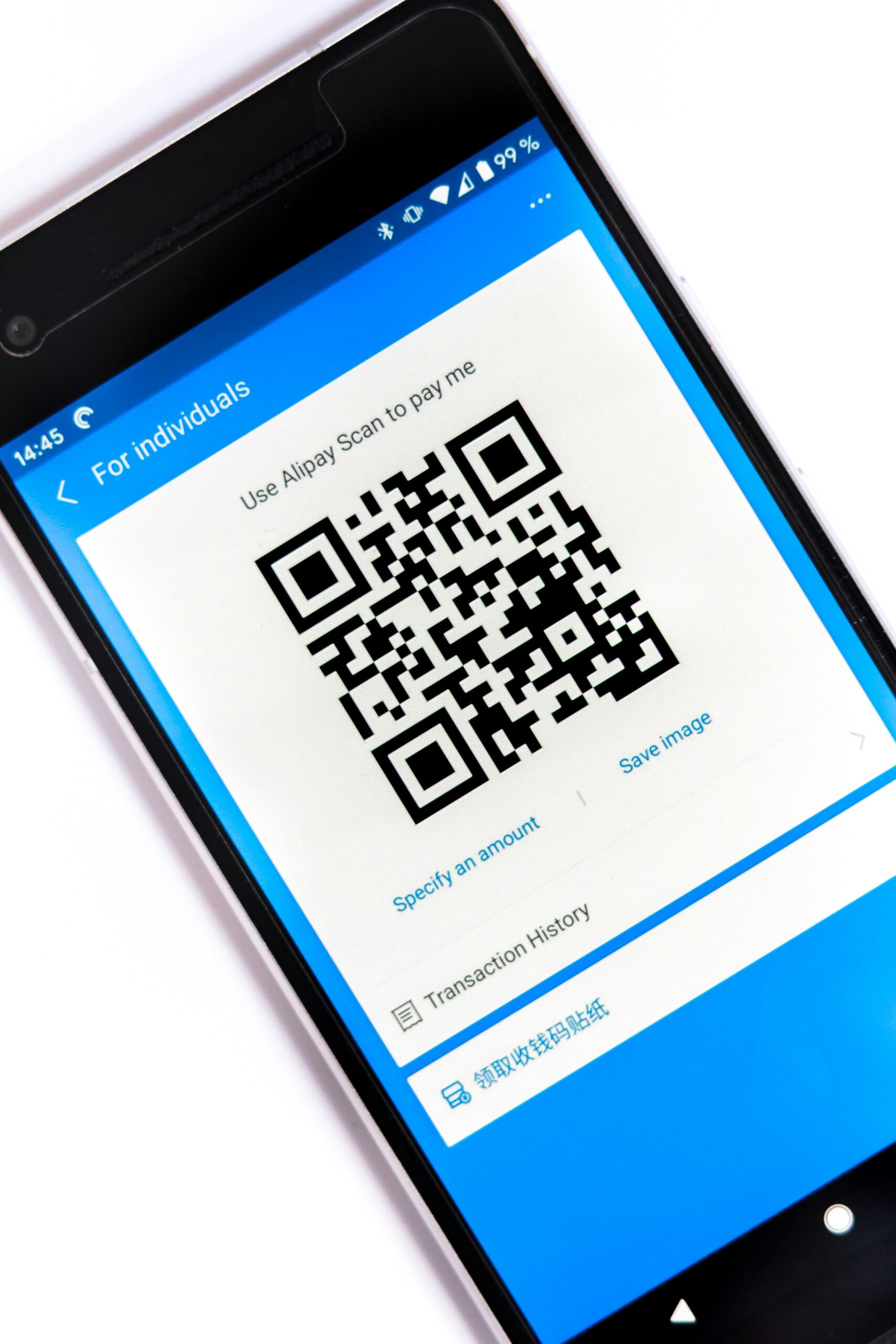
The Rise of QR Codes in Everyday Life
Quick Response (QR) codes were originally developed in the 1990s for tracking automotive parts. Fast-forward to today, and they have evolved into a global tool for marketing, payments, authentication, and even health services. During the COVID-19 pandemic, QR codes exploded in popularity — touchless menus, vaccination records, and mobile check-ins became the norm.
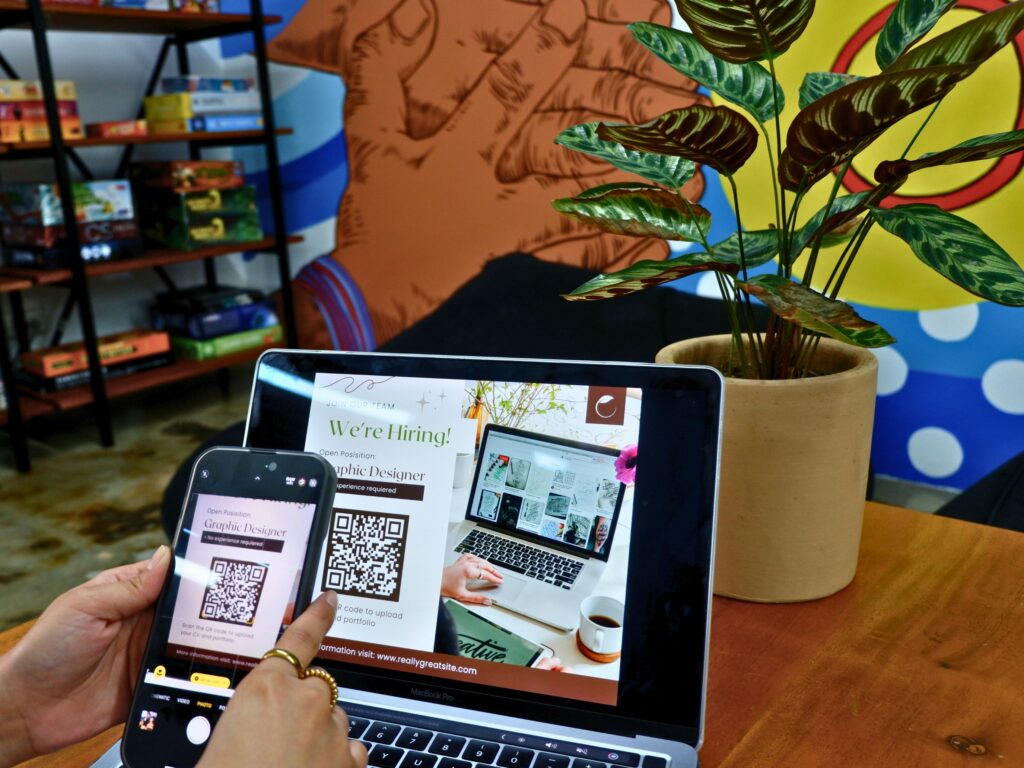
But with this surge came a dark side: cybercriminals realized that QR codes offer an easy, invisible gateway to fraud. Unlike clicking a suspicious link, scanning a QR code feels harmless, and that false sense of security has opened the door to a wave of cyber scams.
How QR Code Scams Work Behind the Scenes
At first glance, QR codes are just harmless black-and-white squares. But when scanned, they translate into an action — opening a website, downloading a file, making a payment, or connecting to Wi-Fi. This flexibility is exactly what makes them dangerous when misused.
Here’s how scammers typically weaponize them:
1. Phishing Links Hidden in QR Codes
Instead of clicking a shady email link, victims are tricked into scanning a QR code that leads to a fake login page (bank, email, or social media). The page looks identical to the real one but is designed to steal credentials.
2. Malware Installation
Some QR codes download harmful files directly to your device. Malware can steal sensitive data, track your activity, or even lock your files with ransomware until you pay a ransom.
3. Payment Diversion (QR Code Hijacking)
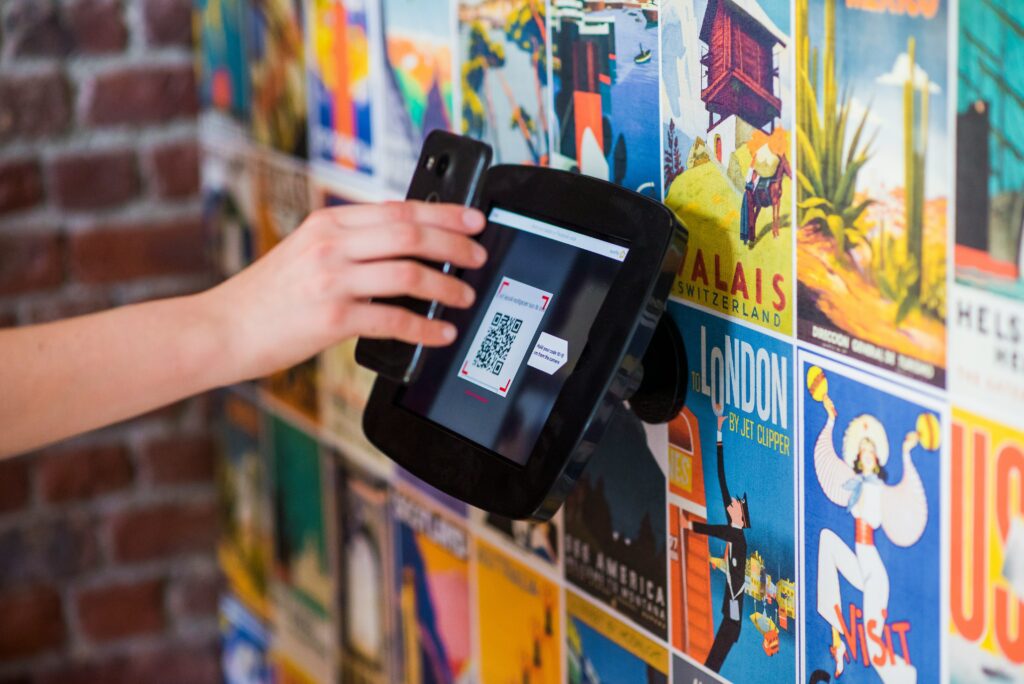
Criminals often replace legitimate QR codes with counterfeit stickers. For example, on parking meters, donation boxes, or restaurant tables — victims believe they’re paying the business, but the money goes to the scammer’s account.
4. “Quishing” (QR Code Phishing via Email/SMS)
Attackers send messages that claim urgency (“Your account will be locked — scan here to verify!”). The QR code links to a malicious site disguised as a secure portal.
5. Wi-Fi Network Spoofing
Some QR codes automatically connect devices to Wi-Fi. A malicious code could link you to a hacker-controlled hotspot that intercepts your online activity.
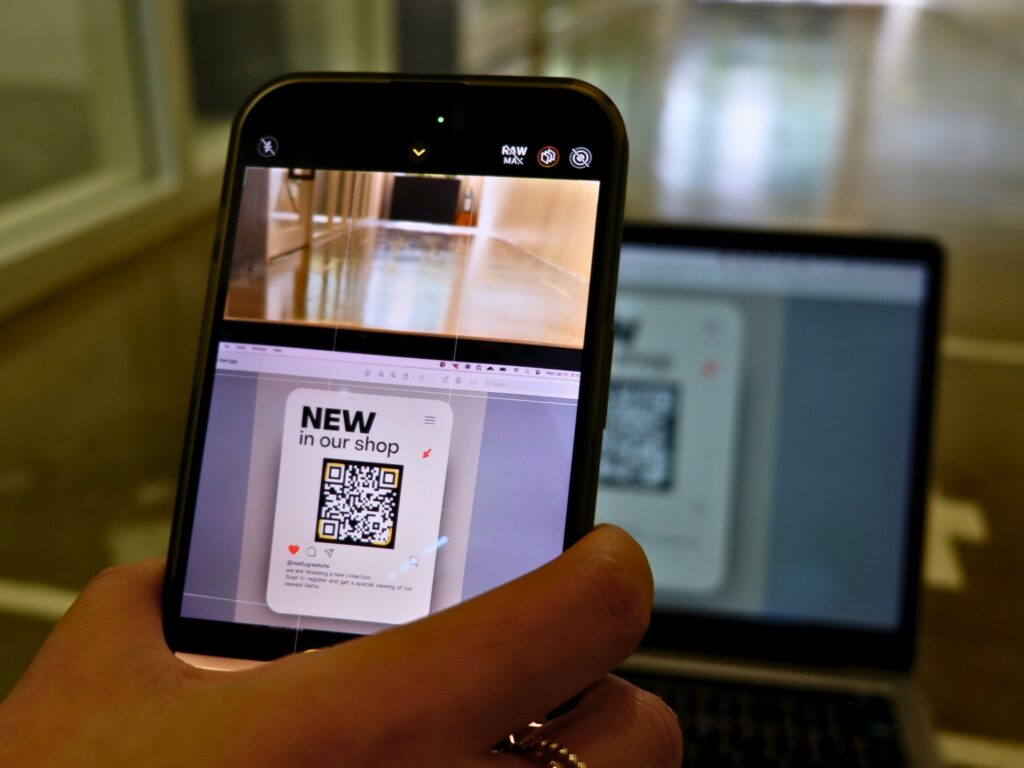
Real-World Cases of QR Code Fraud
To understand the scale of the problem, here are some notable examples:
Parking Meter QR Scams (Texas, USA)
In 2022, police in Austin and San Antonio warned residents about fake QR code stickers placed on parking meters. Drivers who scanned them were redirected to fraudulent payment portals.
Fake COVID-19 Contact Tracing
During the pandemic, scammers created fake QR codes on posters for “COVID testing” or “contact tracing” apps. Users who scanned them unknowingly downloaded spyware.
Restaurant & Café Scams
Cybercriminals replaced table menu QR codes with malicious ones. Customers thought they were viewing the menu but were instead redirected to phishing sites.
Invoice & Business Fraud
Hackers have intercepted company emails, replacing genuine invoice QR codes with fraudulent ones. Unsuspecting clients end up paying scammers instead of the real business.
These scams highlight a dangerous truth: QR codes don’t come with a built-in trust signal. They look the same whether safe or malicious.
Why QR Code Scams Are So Effective
- Invisible Danger: Unlike links, you can’t see or hover over the destination until after scanning.
- Trust Factor: People assume QR codes in restaurants, posters, or emails are legitimate.
- Low Cost for Scammers: Creating fake QR codes is easy and free.
- Mobile-Centric: Most QR scans happen on smartphones, which often lack the same antivirus protection as computers.
How to Protect Yourself from QR Code Scams
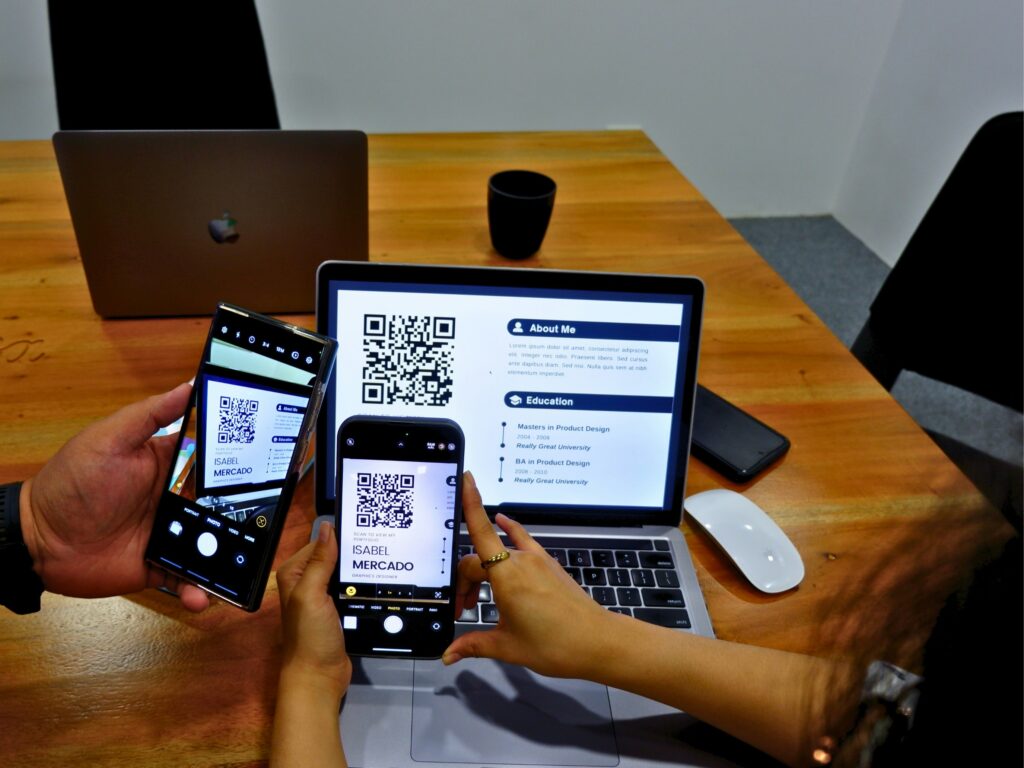
Since QR codes aren’t going away, the best defense is awareness and proactive safety habits. Here are practical tips:
1. Scrutinize the Source
- Don’t scan random QR codes in public places (lampposts, flyers, parking lots).
- Verify codes in emails or texts — especially if they claim urgency or financial action.
2. Preview Links Before Opening
- Many smartphones allow you to see the URL before opening it. If the domain looks strange (misspellings, unusual endings), don’t proceed.
3. Use Trusted Apps and Websites
- For payments, type the official website URL into your browser instead of scanning a QR code.
- Download apps only from Google Play or Apple’s App Store, never from a QR code link.
4. Watch for Tampered Stickers
- In restaurants or parking meters, check if the QR code looks like a sticker placed over the original. That’s a red flag.
5. Keep Security Software Updated
- Use antivirus apps that can scan QR codes before opening them.
- Keep your phone’s operating system updated to patch vulnerabilities.
6. Be Skeptical of Freebies
- Be wary of QR codes offering “free gifts,” “discounts,” or “exclusive access.” These often lead to phishing scams.
The Future of QR Code Security
As QR code adoption grows, so do calls for better security. Some solutions being explored include:
- QR Code Authentication Tools: Apps that scan and verify QR codes for authenticity before opening.
- Dynamic QR Codes with Encryption: Businesses can use secure, trackable codes instead of static ones.
- User Education Campaigns: Just as people learned not to click suspicious email links, public awareness about QR fraud will become crucial.
Final Thoughts
QR codes are not inherently dangerous — they are simply a tool. But like any tool, they can be weaponized when placed in the wrong hands. Scammers exploit the hidden nature of QR destinations, banking on people’s trust and convenience-driven habits.
The next time you see a QR code on a flyer, in your inbox, or on a street corner, pause before you scan. By being cautious, verifying sources, and using security tools, you can stay one step ahead of cybercriminals.
Convenience should never come at the cost of your personal security.
