




When you snap a photo on your smartphone or digital camera, you probably think of it as just an image. But hidden inside every picture is a treasure trove of information known as metadata — data about the data. This invisible layer can expose far more than you intended, including your exact location, device details, and even personal habits.
For cybercriminals, stalkers, or data harvesters, this information can be more valuable than the photo itself.
What Is Photo Metadata?
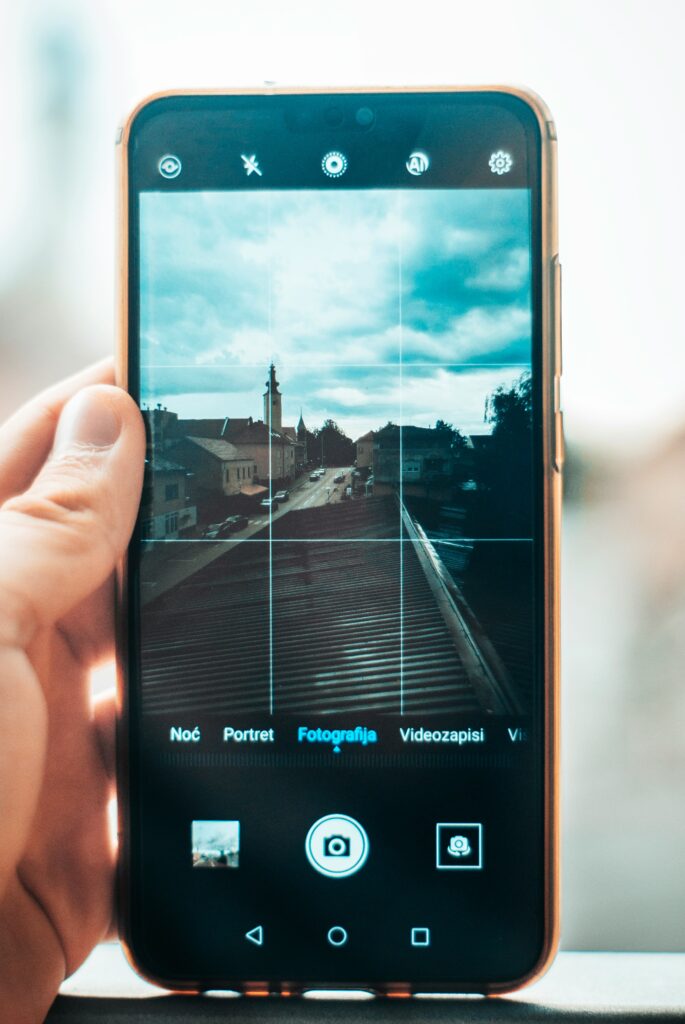
Metadata is background information automatically stored in a file. In photos, it’s often referred to as EXIF data (Exchangeable Image File Format). This data is created the moment you take a picture.
Common metadata fields include:
- Date and time the photo was taken.
- Device type and model (iPhone, Samsung, Nikon, etc.).
- Camera settings (aperture, shutter speed, ISO).
- File type and size.
Most importantly:
GPS location data — the exact coordinates of where the picture was taken.
How Metadata Can Reveal Your Location
Many smartphones embed geotags (latitude and longitude) directly into photo files. When you upload or share these photos online, that hidden data may still be attached.
For example:
- A selfie in your living room could reveal your home address.
- A vacation photo could confirm when you’re away from home, leaving it vulnerable.
- A picture of your child at school could expose their **school location** to strangers.

Real-World Risks of Exposed Metadata
1. Stalking and Harassment
Criminals can use geotags to track where you live, work, or travel.
2. Burglary and Theft
Posting vacation photos with location data tells thieves your home is unoccupied.
3. Identity Theft

Combined with other details, metadata can help build a profile about you.
4. Unintended Exposure for Children
Parents posting kids’ pictures may accidentally reveal schools, parks, or favorite hangouts.
5. Corporate and Legal Risks
Employees sharing “behind-the-scenes” photos could leak sensitive workplace details.
Do Social Media Platforms Strip Metadata?
Some platforms like Instagram, Twitter, and Facebook automatically remove metadata to protect privacy. However:
- Metadata may still remain if you send photos via email, cloud storage, or messaging apps.
- Lesser-known websites or forums often leave metadata intact.
In short, don’t assume metadata is always stripped.
How to Protect Your Privacy
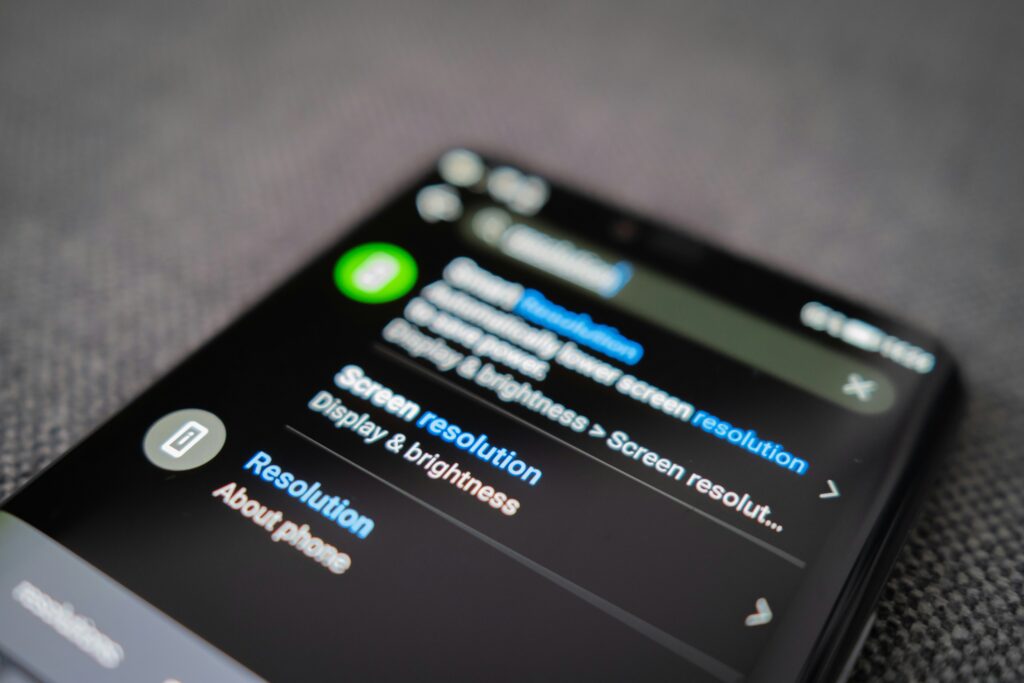
1. Disable Location Services
- Turn off GPS tagging in your phone’s camera settings.
- Only enable location when you truly need it (e.g., navigation).
2. Remove Metadata Before Sharing
- Use built-in photo editors or third-party apps to strip metadata.
- On computers, right-click the file → “Properties” → “Details” → remove data (Windows) or use Preview (Mac).
3. Use Privacy-Conscious Platforms
Choose apps that are transparent about how they handle metadata.
4. Be Cautious With Cloud Backups
Some cloud services keep full metadata, making it accessible if hacked.
5. Think Before Posting
Ask yourself: Does this photo reveal more than I want strangers to know?
Tools to Check Your Own Metadata
Curious what’s hidden in your photos? You can check metadata using:
- Smartphone photo info settings.
- Free online EXIF viewers.
- Software like Photoshop or Lightroom.
Seeing it for yourself is often the best way to understand how much you’re unintentionally sharing.
Final Thoughts
Your photos tell stories, but their hidden metadata can tell even more — sometimes to the wrong people. In an era of social sharing, this invisible layer of data poses real risks to privacy and security.
The good news is that with awareness and a few simple steps — disabling geotags, stripping metadata, and being mindful about posting — you can protect yourself and your loved ones.
Remember: A picture may be worth a thousand words, but its metadata could be worth a thousand data points to someone else.
